Digital Asset Delivery in Photography: A Clear Guide
July 15, 2026
Learn what digital asset delivery means in photography, how it differs from digital asset management, and why secure, branded gallery platforms, clear communication, and professional workflows create a better client experience.
Digital asset delivery in photography is defined as the professional process of transferring finalized, edited, high-resolution image files to clients through secure, branded platforms designed to preserve quality and enhance the viewing experience. This is the industry’s standard term for what photographers do after editing: the structured handoff that determines how clients first see, access, and download their images. Understanding what digital asset delivery means in photography matters because the delivery phase shapes the client’s final impression of your work just as much as the images themselves. A polished, secure gallery communicates professionalism. A generic cloud link does not.
What does digital asset delivery mean in photography?
Digital asset delivery is the client-facing process of transferring high-resolution media through branded, secure gallery platforms rather than generic email or consumer cloud storage. The term covers everything from how files are packaged and protected to how clients navigate, preview, and download their images. It is not simply sending a link. It is a curated handoff experience with controls, branding, and clear communication built in.
The standard delivery format for most photographers is JPEG sRGB at 300DPI, with TIFF or PNG reserved for large print orders agreed upon in advance. That format choice matters because it preserves color accuracy and print quality across devices. Photographers who skip this step and send raw files or compressed previews create confusion and damage the perceived value of their work.
Professional delivery platforms offer password protection, download controls, mobile-optimized layouts, and brand-consistent design. These features are not extras. They are the baseline for any photographer who wants clients to feel confident and cared for at the finish line.
How does digital asset delivery differ from digital asset management?
These two concepts get mixed up constantly, and the confusion costs photographers time and clients clarity. Digital asset management (DAM) is an internal organizational system. It is how photographers catalog, search, archive, and retrieve their own files for workflow efficiency. Delivery is what happens after that internal work is done.
Here is how the two functions break down:
Digital asset management (DAM): Internal cataloging and archiving of photos; focused on search, metadata tagging, and long-term storage for the photographer’s own use.
Digital asset delivery: Client-facing distribution of finalized files; focused on secure access, branded presentation, and a positive download experience.
Key distinction: DAM is about organizing what you own. Delivery is about presenting what your client paid for.
Why conflating them causes problems: Photographers who use their DAM tool as a delivery tool often send clients into cluttered, unbranded interfaces with no clear download path. Clients get confused, support requests pile up, and the final impression suffers.
Educating clients on this distinction also improves expectations. When clients understand that their gallery is a delivery tool with an expiration window, not a permanent archive, they download and back up their files promptly.
What features define a professional delivery platform?
Dedicated gallery platforms give photographers granular controls that consumer-grade storage simply cannot match. Those controls include download limits, access tracking, and expiration settings. Each one protects the photographer’s work and gives the client a clear, guided experience.
The core features to look for in any delivery platform include:
Password protection: Restricts gallery access to the intended client only.
Mobile-optimized design: Clients view galleries on phones first. A platform that breaks on mobile creates immediate friction.
High-resolution download options: Clients need full-quality files, not compressed previews.
Watermarking for previews: Protects images before final payment clears.
Expiration settings: Galleries typically remain active for 30–90 days per contract terms.
Branded interface: Your logo, colors, and domain reinforce your identity at the moment of delivery.
The standard workflow that feeds into delivery follows a clear sequence: culling, editing, uploading to the gallery, sharing the link with personalized communication, and following up if the client has not accessed the gallery within a set window. Each step builds toward a handoff that feels intentional, not improvised.
Pro Tip:Record a short walkthrough video showing clients exactly how to download their gallery. Photographers who provide this see a sharp drop in support requests and a rise in positive reviews.
Which delivery methods work best, and what are the trade-offs?
Not every delivery method fits every project. The table below compares the most common approaches.
Delivery method
Best for
Key limitation
Email attachments
Quick, low-volume proofs
File size limits; no branding or tracking
Consumer cloud storage
Internal file sharing
Compression, poor presentation, metadata loss
Dedicated gallery platforms
All professional client delivery
Requires platform subscription
USB drives
Archival or luxury packages
Physical cost; no remote access
Large-file transfer services
Raw or uncompressed file batches
No gallery experience; links expire quickly
Consumer cloud drives are the most common mistake photographers make. They compress images, strip metadata, and present files in an interface built for personal use, not client experience. Cloud drive limitations include inconsistent expiration policies and no brand presence, which leaves clients with a forgettable final touchpoint.
Dedicated gallery platforms solve all of these problems in one place. They are the recommended standard for wedding, portrait, and commercial photographers who want delivery to feel like part of the service, not an afterthought. USB drives still make sense for luxury packages where a physical keepsake adds perceived value, but they should accompany a digital delivery, not replace it.
How do you optimize the client delivery experience?
Delivery is the last moment you have to shape how a client feels about working with you. A confusing gallery or a missing instruction sheet can undo months of great work. The steps below create a delivery experience that feels polished and reduces the chance of a support call.
Write clear download instructions. Tell clients exactly which button to click, what file format they will receive, and how to store the files. Do not assume they know.
Use a branded gallery. Your name and visual identity should appear the moment the client opens the link. This reinforces the value of what they paid for.
Embed correct color profiles. Deliver files with sRGB color profiles so images look accurate on every screen and at every print lab.
Gate delivery behind payment confirmation. Payment-gated delivery shows watermarked previews and releases full-resolution files only after payment clears. This practice is standard in commercial photography and protects against unauthorized use.
Send a follow-up message. If a client has not opened the gallery within 48 hours, a brief, friendly check-in shows you care and catches any delivery issues early.
Pro Tip:Include a short FAQ in your delivery email covering the three most common client questions: how to download all files at once, what to do if the link does not work, and how long the gallery stays active.
The photography production process that leads up to delivery deserves the same level of care as the delivery itself. When every stage is intentional, the final handoff feels natural.
What should photographers know about gallery expiration and archiving?
Gallery expiration is one of the most misunderstood parts of the delivery process. Galleries typically remain active for 30–90 days after delivery, and this window should be stated explicitly in the contract. That timeline balances client access with the real storage costs photographers absorb.
Key points every photographer should communicate to clients:
Delivery is not archiving. The gallery is a download window, not a permanent home for their images.
Clients are responsible for their own backups. Encourage clients to download files to a hard drive and a secondary cloud location immediately.
Contracts should state expiration terms clearly. Ambiguity leads to disputes when a client asks for re-access six months later.
Re-access fees are reasonable. Photographers who offer gallery reactivation for a flat fee protect themselves from open-ended storage liability while still serving clients.
Balancing storage costs and liability is a real business concern. Keeping hundreds of client galleries active indefinitely is expensive and creates legal gray areas around data retention. A clear expiration policy, communicated warmly and in advance, is the professional standard.
Key Takeaways
Digital asset delivery is the professional handoff process that defines how clients receive, access, and experience their images, and it requires dedicated platforms, clear communication, and defined expiration terms.
Point
Details
Delivery vs. management
DAM organizes files internally; delivery presents finalized images to clients through branded platforms.
Platform features matter
Password protection, mobile optimization, and download controls are the baseline for professional delivery.
Format consistency
Deliver JPEG sRGB 300DPI as the standard; agree on TIFF or PNG for print orders in advance.
Payment-gated delivery
Watermarked previews protect photographers until full payment clears before releasing high-resolution files.
Gallery expiration
Set active windows of 30–90 days in contracts and educate clients to download and back up files immediately.
Why delivery is the part most photographers underestimate
I have watched talented photographers spend weeks perfecting their editing and then send a generic cloud link with zero instructions. The client clicks through, sees a cluttered folder of numbered files, and has no idea what to do next. That moment erases a lot of goodwill.
The delivery phase is not logistics. It is the final chapter of the client’s experience with you, and it carries the same creative weight as the shoot itself. When I see photographers invest in a branded gallery with clear instructions and a warm follow-up message, their repeat booking rates and referrals reflect that investment directly.
The uncomfortable truth is that most photographers treat delivery as a checkbox. The ones who treat it as a craft build reputations that outlast any single project. A client who receives a beautiful, easy-to-navigate gallery with their name on it and a personal note feels seen. That feeling is what drives word-of-mouth.
Specialized delivery platforms are worth the subscription cost. The controls they offer, from access tracking to payment gating, protect your revenue and your creative rights in ways that free tools never will. Think of the platform fee as part of your cost of doing business professionally, the same way you budget for editing software or lighting gear.
— Image Studio
Imagestudio’s approach to professional media delivery
Imagestudio brings over 14 years of experience to every project, with more than 250 productions that have reached over 150 million views globally. That track record includes collaborations with National Geographic and recognition from prestigious film festivals, which means the team understands what it takes to deliver media that lands with impact.
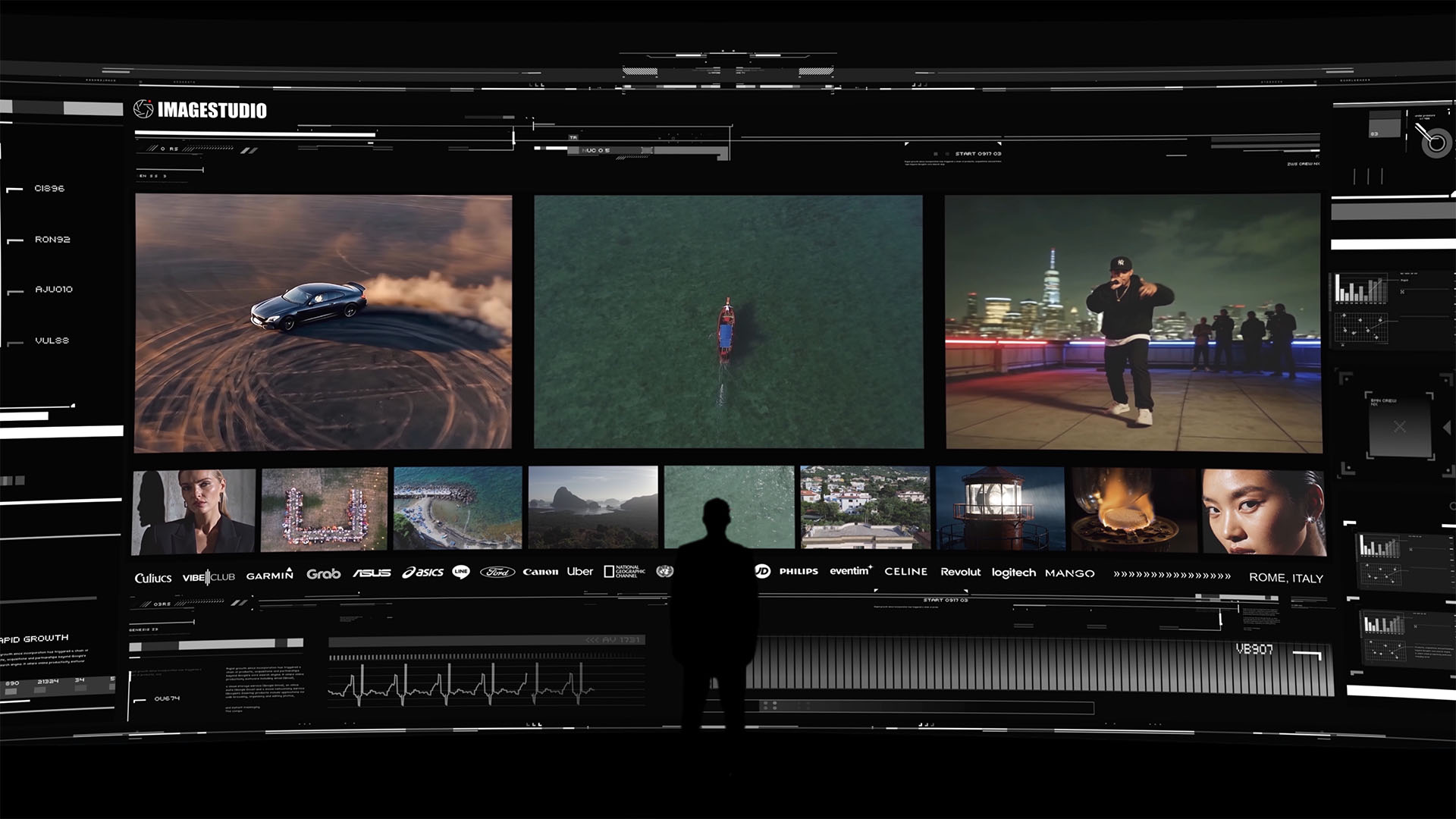
A high-end cinematic portfolio experience by Image Studio featuring automotive visuals, aerial cinematography, urban storytelling, and premium brand collaborations.
For photographers and marketers who want their visual content to carry that same level of craft from production through delivery, Imagestudio’s film and photography services cover the full creative pipeline. Whether the goal is a commercial campaign, a brand film, or high-end photography, the studio pairs creative talent with a delivery process built to match the quality of the work itself. Explore what a production partnership with Imagestudio looks like for your next project.
FAQ
What is digital asset delivery in photography?
Digital asset delivery in photography is the professional process of transferring finalized, edited image files to clients through secure, branded gallery platforms. It covers file format, access controls, presentation, and the client download experience.
How is digital asset delivery different from digital asset management?
Digital asset management is an internal system for organizing and archiving a photographer’s own files. Digital asset delivery is the client-facing process of presenting and distributing those finalized files securely.
What file format should photographers use for delivery?
JPEG sRGB at 300DPI is the standard delivery format for most photography projects. TIFF or PNG files are reserved for large print orders and should be agreed upon in the contract before delivery.
How long should a client gallery stay active?
Most professional photographers keep galleries active for 30–90 days, as stated in the contract. Clients should download and back up their files immediately, since galleries are delivery tools, not permanent archives.
What is payment-gated delivery?
Payment-gated delivery shows clients watermarked previews of their images and releases full-resolution files only after final payment is confirmed. This practice protects photographers from unauthorized image use and is standard in commercial photography.