Vertical Video Production Tips for Businesses in 2026
June 9, 2026
Vertical video has become the dominant format for digital marketing in 2026. As audiences increasingly consume content on mobile devices, businesses must adapt their video strategies to meet platform expectations and user behavior. This guide explores the latest vertical video production tips, from planning and filming to editing and distribution, helping brands create engaging, high-performing content for TikTok, Instagram Reels, YouTube Shorts, and other mobile-first channels.
Vertical video is defined as footage shot or formatted in a 9:16 aspect ratio, and it now accounts for over 78% of all mobile video consumption. That number alone tells you where your audience is watching. Platforms like TikTok and Instagram Reels reward native vertical content with 2-3x higher organic reach compared to horizontal uploads on the same account. For marketing managers and content creators, applying the right vertical video production tips for businesses is no longer optional. It’s the difference between content that gets seen and content that gets skipped.
1. Nail the technical specs before you shoot anything
The foundation of every great vertical video is correct formatting from the start. The standard spec is 1080×1920 pixels at a 9:16 aspect ratio, which is the native format for TikTok, Instagram Reels, and YouTube Shorts. Shooting at this resolution natively gives you the sharpest possible output without any quality loss from cropping or resizing.
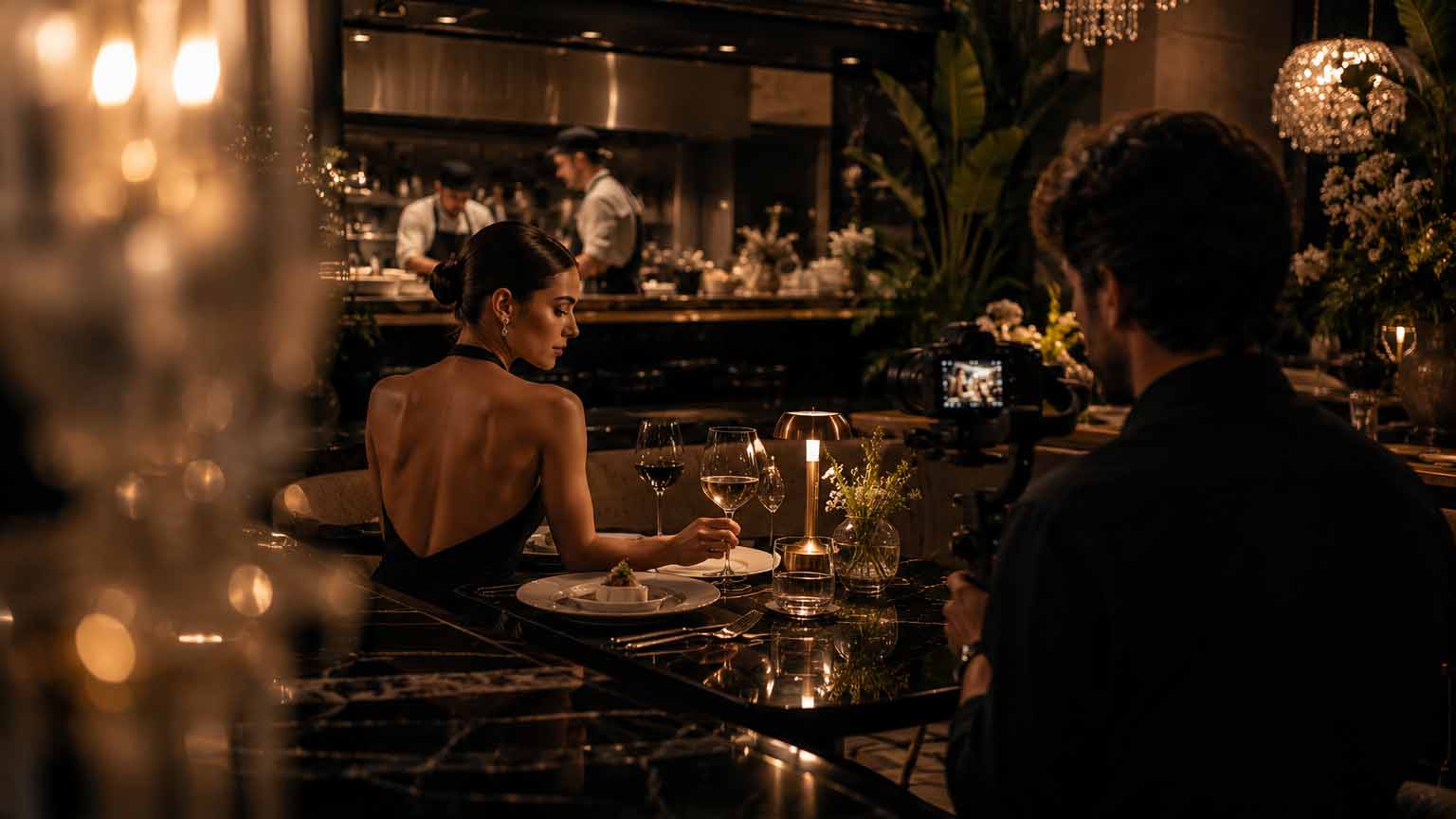
Premium cinematic social media content production featuring luxury creator branding, professional filming setup and high-end lifestyle storytelling by Image Studio.
Safe zones matter more than most creators realize. Platform UI overlays obscure the top 15% and bottom 20% of the frame with buttons, captions, and profile handles. That means your subject’s face, your product, and any text must live in the middle 60% of the screen. Ignore this and your most important visual information disappears behind a “Follow” button.
Here are the core technical specs every business should lock in before production:
Aspect ratio: 9:16 (1080×1920 pixels minimum)
Frame rate: 24fps for cinematic feel, 30fps for standard social content
Safe zone: Keep all critical content within the middle 60% of the frame
File format: MP4 with H.264 encoding for broadest platform compatibility
Color space: Rec. 709 for accurate color on mobile screens
Pro Tip:Shoot in 4K even if your final export is 1080p. The extra resolution gives you room to reframe, zoom, or stabilize in post without losing sharpness, which is especially useful when you’re extracting multiple assets from a single shoot.
2. Shoot native vertical instead of cropping horizontal footage
Native vertical shooting with manual or AI reframing consistently outperforms cropped horizontal video in visual quality and platform performance. When you crop a 16:9 video to 9:16, you lose roughly 56% of the original frame. What remains is often awkwardly composed, with subjects cut off at the shoulders or products pushed to the edge of the screen.
The fix is simple: plan your shots vertically from the start. Position your camera or phone in portrait orientation, frame your subject in the center of the frame, and use close-ups to fill the screen with visual interest. Close-ups perform especially well on mobile because they create an intimate, direct connection with the viewer that wide shots simply cannot replicate.
Tools like CapCut offer an auto-reframe feature that uses AI to track the primary subject and reframe the shot automatically. This is useful for repurposing existing horizontal content, but it should be a fallback, not a first choice. For social media video production that genuinely competes on TikTok and Reels, vertical-first planning is the standard.
3. Hook viewers in the first three seconds or lose them
The hook is the single most important creative decision in vertical video content creation. Viewers decide whether to scroll past or keep watching within the first one to three seconds. There is no warm-up period, no establishing shot, and no room for a logo animation at the start.
Effective hooks fall into a few reliable categories: a bold statement that challenges a common belief, a surprising visual that creates immediate curiosity, a direct question that speaks to a specific pain point, or a fast-cut action sequence that signals high energy. The key is that something meaningful must happen on screen before the viewer’s thumb moves.
The structure that drives the most engagement follows a clear three-part arc:
Hook (seconds 1-3): Bold claim, surprising visual, or direct question
Value delivery (seconds 4-12): The payoff, the tip, the story, or the demonstration
Call to action (last 2-3 seconds): One clear next step, whether that’s following, clicking, or commenting
Videos built around this arc achieve 40-60% higher comment rates compared to unstructured content. Higher comment rates signal to the algorithm that the content is worth distributing more widely.
Pro Tip:Never test a single hook. Shoot two or three variations of your opening three seconds and post them on different days. Monitor your 0-3 second retention rate in platform analytics. The version that holds viewers longest becomes your template for future content.
4. Design every video for silent viewing
Between 60% and 85% of short-form vertical content is watched without sound on TikTok and Reels. That statistic reframes how you should think about audio entirely. Sound is an enhancement, not a delivery mechanism. Your video must communicate its full message visually, even on mute.
Captions are the most direct solution. Position them in the middle third of the screen to avoid both the UI overlays at the top and bottom and the visual noise of the background. Use bold, high-contrast fonts, ideally white text with a dark outline or semi-transparent background, so the words are readable against any backdrop. Animated word-by-word captions, popularized by podcast clip accounts, hold attention better than static subtitle blocks.
Here is what best-practice silent optimization looks like in practice:
Add accurate captions using CapCut, TikTok’s native caption tool, or Instagram’s auto-caption feature, then review every line for errors before posting
Use bold, high-contrast animated text overlays to reinforce key points visually
Avoid relying on voiceover alone to convey your main message
Use on-screen text to repeat or expand on what is being said, not just transcribe it
When adding music, use platform-native sound libraries on TikTok or Reels to avoid copyright issues and benefit from trending audio signals
Pro Tip:Re-upload watermarked content from other platforms and watch your reach drop. TikTok and Instagram both detect and suppress content that carries a competitor’s watermark. Always export clean files directly from your editing tool.
5. Build a lean DIY production stack that actually works
Professional-quality vertical video does not require a professional budget. The right combination of affordable tools and smart workflows lets a two-person marketing team produce content that competes with larger studios. The core DIY stack is a modern smartphone (iPhone 15 Pro or a Samsung Galaxy S24 Ultra both shoot excellent 4K vertical footage), a compact tripod with a vertical mount, a clip-on lavalier microphone, and CapCut as the primary editor.
CapCut is the most widely used free vertical video editor among creators, offering auto-captioning, color grading, stabilization, and social media export without a watermark. The free tier covers most business needs. The entire stack costs under $100 upfront, and the software runs under $20 per month if you upgrade to CapCut Pro.
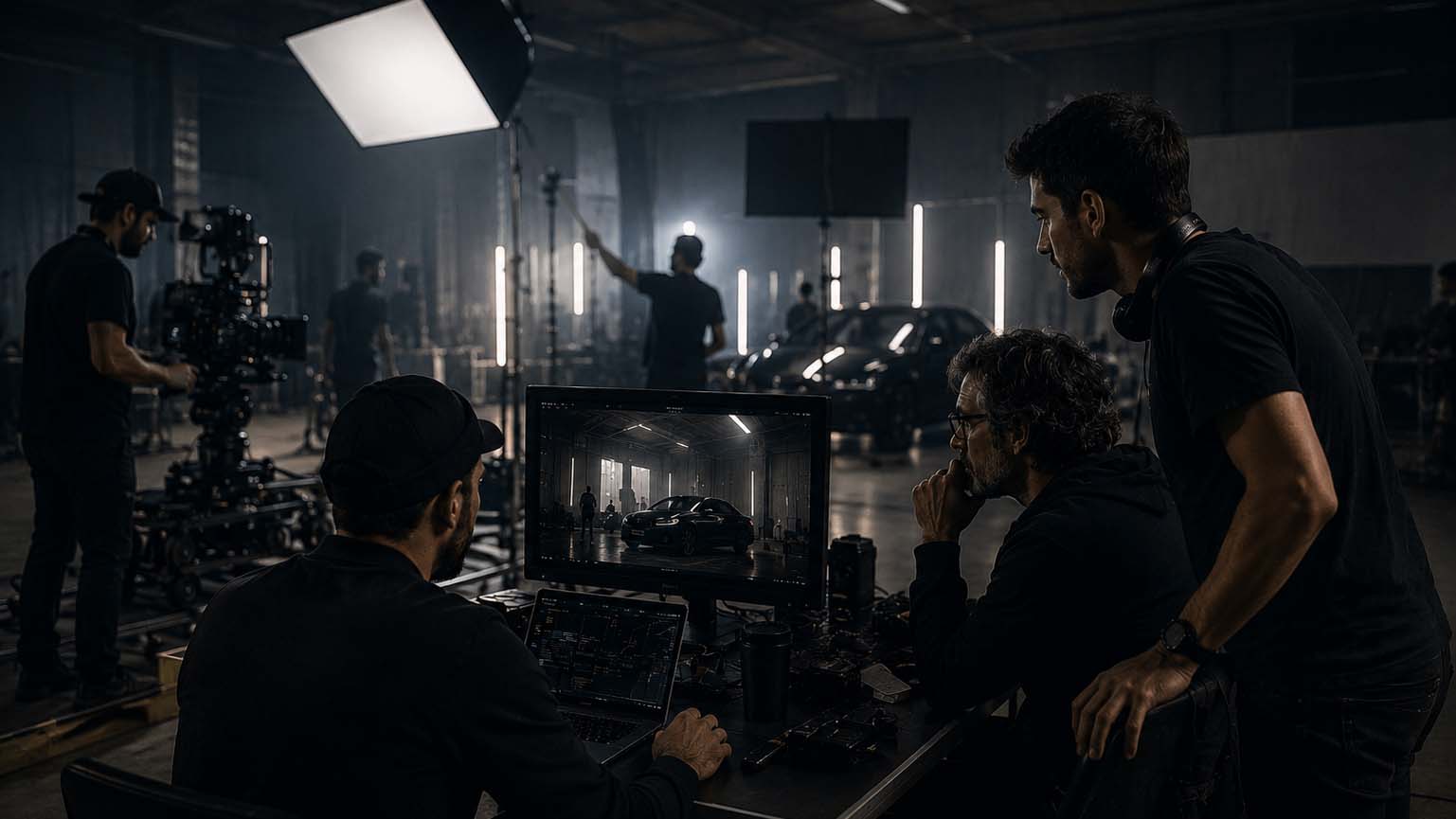
Behind the scenes of a cinematic commercial production by Image Studio.
Here is how the DIY stack compares to hiring a freelance editor:
Approach
Monthly Cost
Time per Asset
Output Volume
DIY with CapCut + AI tools
Under $20/month
1-2 hours
High (batch production)
Freelance video editor
$50-$500 per clip
3-5 days turnaround
Low to medium
In-house editor (full-time)
$4,000+/month
1-2 days
Medium
DIY AI-assisted production saves 6-8 hours per week compared to traditional editing workflows. For a marketing team running multiple campaigns simultaneously, that time savings compounds quickly across a quarter.
Pro Tip:Film one master video of 60-90 seconds with planned scene variations, then extract 10-15 individual assets in post. This modular approach reduces editing time by up to 40% versus editing each clip from scratch, and gives you a full week of content from a single shoot session.
6. Batch film and script variants to multiply your output
Batch filming is the production strategy that separates high-output marketing teams from those constantly scrambling for content. The concept is straightforward: instead of filming one video per session, you plan and shoot five to ten pieces of content in a single block of time. You change your shirt, adjust the background, or shift the framing slightly between takes to create visual variety.
Scripting variants is equally important. Write three versions of the same core message: one that leads with a statistic, one that leads with a question, and one that leads with a story. Each variant targets a slightly different viewer psychology. You get three testable assets from one script session, which accelerates your understanding of what resonates with your specific audience.
Businesses that treat vertical video as a primary format and film variants on set reduce editing time by 40% compared to teams that try to retrofit horizontal edits into vertical formats. The math is compelling: more content, less time, better performance data. For outdoor and action-oriented brands, resources like outdoor video production tips offer additional workflow frameworks worth adapting to your own shoots.
7. Match your posting cadence to each platform’s algorithm
Posting frequency is not a one-size-fits-all decision. TikTok rewards volume and consistency, with 1-3 posts per day being the recommended cadence for accounts trying to grow. Instagram Reels performs best at 4-7 posts per week. YouTube Shorts sits somewhere in between, favoring consistency over raw volume.
The critical mistake most businesses make is cross-posting identical content with the same caption and watermark across every platform simultaneously. Each platform’s algorithm reads this as low-effort content and reduces distribution. Instead, adapt your caption, swap the audio for a platform-native track, and adjust the hook slightly for each destination.
Effective platform-specific tactics include:
Use TikTok’s native text and sound tools rather than baking captions into the video file, since TikTok’s algorithm reads native captions as engagement signals
On Instagram Reels, front-load your caption with keywords since Instagram’s search function indexes caption text
Set clear KPIs per campaign before you post: view-through rate, profile visits, link clicks, or direct conversions, depending on your funnel stage
Test 2-3 hook variants per video and track 0-3 second retention to identify which opening style your audience responds to most
Vertical video marketing strategies that combine consistent cadence with platform-specific adaptation consistently outperform accounts that post sporadically or treat all platforms as identical.
Key takeaways
Effective vertical video production for businesses requires native 9:16 shooting, a strong three-second hook, silent-viewing optimization, and a consistent platform-matched posting cadence to maximize reach and engagement.
Point
Details
Shoot native vertical
Film in 9:16 at 1080×1920 to avoid quality loss from cropping horizontal footage.
Hook in three seconds
Use a bold statement, question, or surprising visual before the viewer can scroll.
Design for silent viewing
Place bold captions in the middle third of the frame so muted viewers get the full message.
Use a DIY AI stack
CapCut and a lavalier mic cost under $20/month and save 6-8 hours of editing per week.
Match cadence to platform
Post 1-3 times daily on TikTok and 4-7 times weekly on Instagram Reels for algorithmic reach.
Why vertical-first thinking changes everything
I’ve watched marketing teams spend weeks perfecting a horizontal brand film, then spend another week trying to squeeze it into a vertical format for Reels. The result is almost always a compromise: awkward framing, cropped logos, and a hook that arrives three seconds too late because the original edit was designed for a pre-roll ad, not a scroll feed.
The shift I keep pushing clients toward is planning vertical content before anything else. Not as a repurposed afterthought, but as the primary deliverable. When you walk onto a set with a vertical shot list already planned, you capture content that actually fits the format. The close-ups are tighter. The subject fills the frame. The hook lands in the first two seconds because the script was written for vertical, not adapted from it.
Automation tools like CapCut’s AI features are genuinely useful, but they work best when the raw footage was shot with vertical intent. AI cannot fix a wide establishing shot that leaves your subject as a tiny figure in the center of a 9:16 frame. Human creative oversight at the planning stage is what makes the AI tools in post actually shine.
The businesses I’ve seen succeed with vertical video are not the ones with the biggest budgets. They’re the ones who committed to a vertical-first workflow, batch filmed consistently, and treated every post as a data point rather than a finished product. That mindset shift is worth more than any single piece of equipment.
— Image Studio
How Imagestudio helps businesses produce vertical video that performs
Imagestudio brings 14 years of cinematic production experience and 250+ projects to every brief, including the fast-moving world of social media video. Whether you need a single high-impact vertical campaign or a scalable content system built for TikTok and Instagram Reels, the team knows how to translate brand vision into formats that actually perform on mobile.
Imagestudio’s AI-powered video production capabilities mean faster turnaround without sacrificing the cinematic quality that sets great content apart from average content. From scripting and shot planning to post-production and platform optimization, the studio handles the full workflow. If you’re ready to build a vertical video content engine that drives real engagement, explore Imagestudio’s social media video services and see what a production partner with real creative depth can do for your brand.
FAQ
What aspect ratio is correct for vertical video?
Vertical video uses a 9:16 aspect ratio at 1080×1920 pixels resolution. This is the native format for TikTok, Instagram Reels, and YouTube Shorts.
How long should a vertical video be for business marketing?
Most high-performing vertical videos run between 15 and 60 seconds, with the hook delivered in the first three seconds and a clear call to action in the final two to three seconds.
Can I repurpose horizontal video as vertical content?
You can use AI reframing tools like CapCut’s auto-reframe feature, but native vertical shooting consistently produces better visual quality and platform performance than cropped horizontal footage.
How often should a business post vertical videos on TikTok?
TikTok’s algorithm rewards posting 1-3 times per day for accounts focused on growth, while Instagram Reels performs best at 4-7 posts per week.
What is the most cost-effective way to produce vertical videos?
A DIY stack using a smartphone, lavalier microphone, tripod, and CapCut costs under $20 per month and saves 6-8 hours of production time per week compared to hiring a freelance editor at $50-$500 per clip.