Wedding Film Editing Process Explained for Couples and Videographers
June 1, 2026
Learn how wedding film editing transforms raw footage into cinematic storytelling through narrative structure, audio design, color grading and professional post-production.
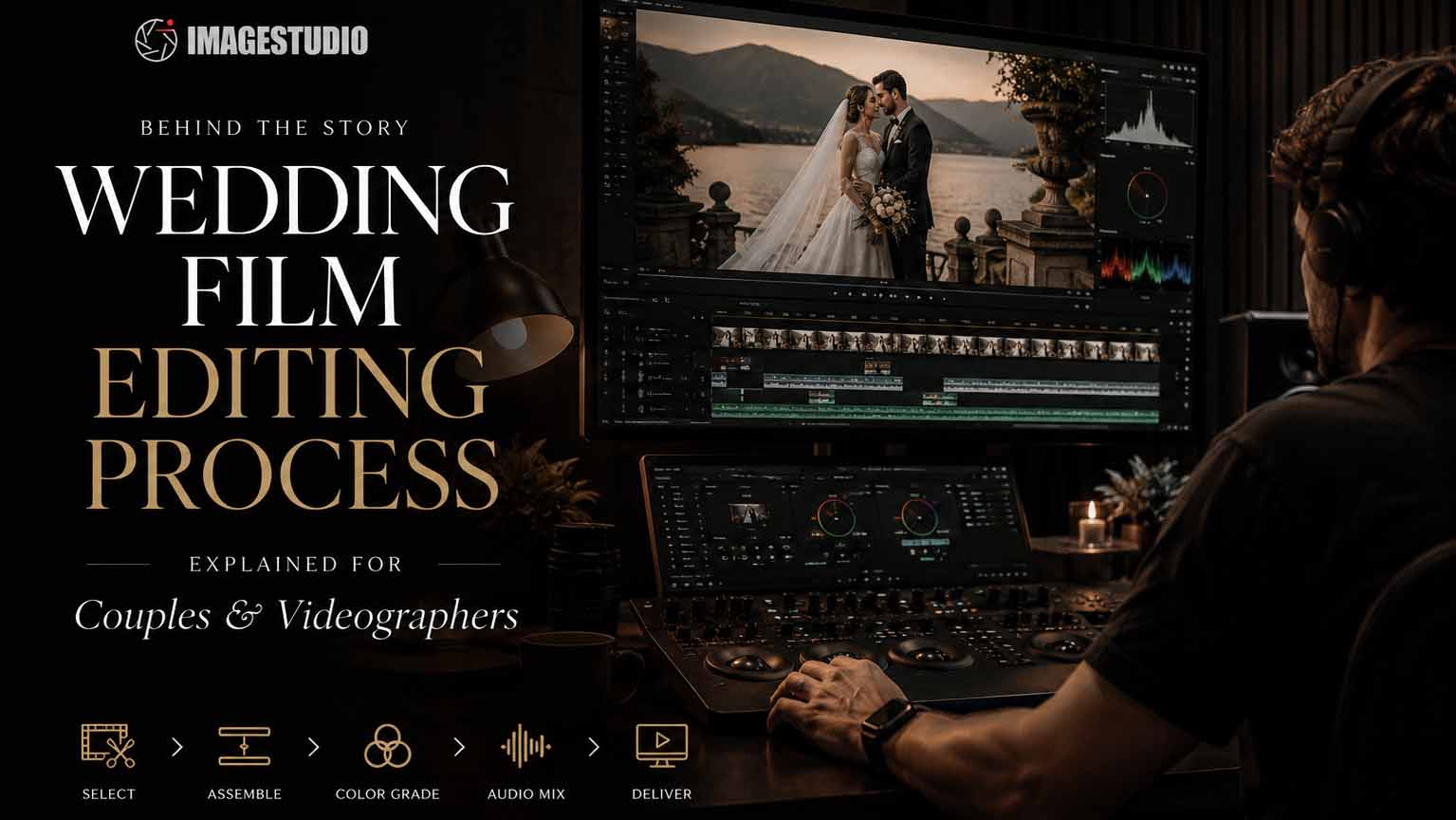
Wedding film editing is the process of transforming raw, uncut footage into a cinematic story that captures the full emotional arc of your wedding day. The wedding film editing process blends technical craft with creative storytelling, pulling together hours of multi-camera footage, layered audio, and carefully chosen music into a single, cohesive film. Editors working on professional wedding productions typically spend 30 to 60 hours on a single project, and complex multi-day weddings can push well beyond that. Understanding how this process works helps couples set realistic expectations and gives videographers a clear framework for delivering films that genuinely move people. For destination weddings in Italy, particularly across Lake Como, Tuscany, Venice and the Amalfi Coast, editors often work with multiple lighting environments, historic venues and multi-day celebrations, making the editing process even more important for maintaining a consistent cinematic look.
How is wedding footage organized and selected for editing?
Organization is the foundation of every great wedding film. Before a single cut is made, editors sort through hours of footage from multiple cameras, audio recorders, and drone sources. Without a clear system, clips get lost, timelines fall apart, and the editing process slows to a crawl.
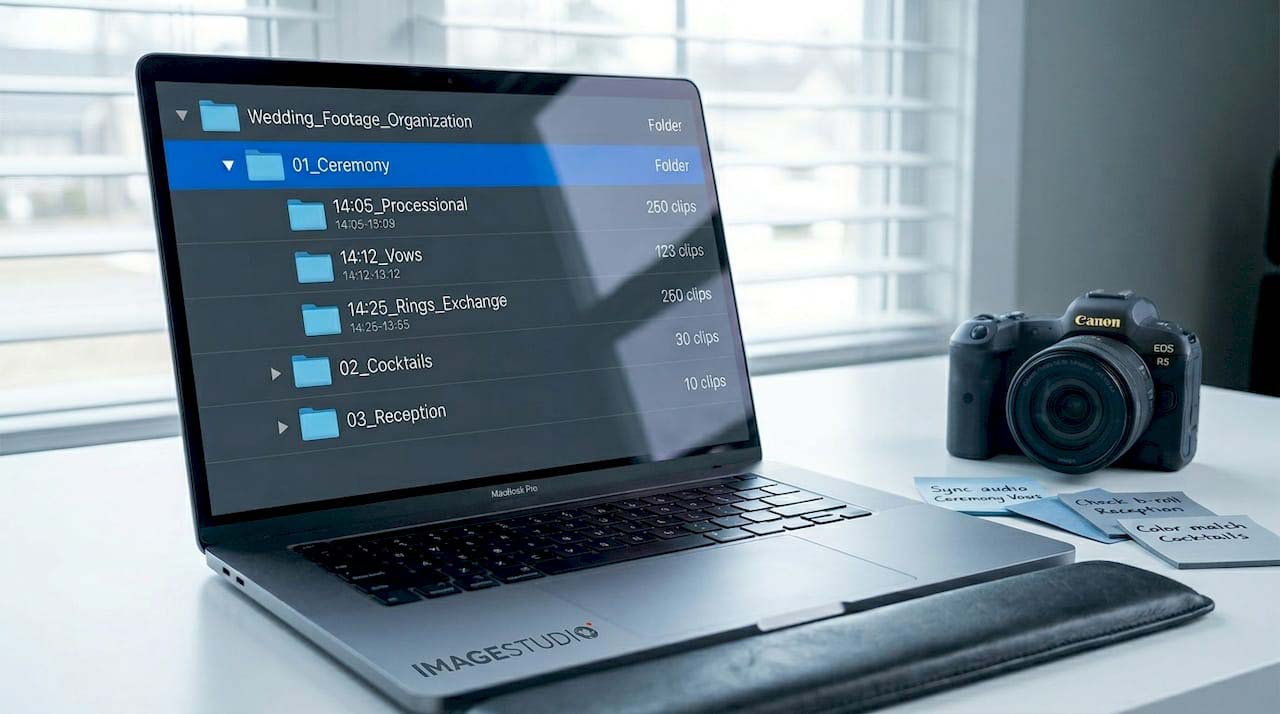
Professional workflows use multi-level folder structures organized by content type and sequence, such as ceremony, cocktail hour, reception, and speeches. Each folder contains subfolders for camera angles, audio sources, and B-roll. This structure makes multi-camera editing faster and keeps revisions manageable when a client requests changes weeks later.
The first step of every wedding film editing process is organizing and categorizing footage before storytelling, color grading and final delivery.
Selecting the right moments goes beyond just capturing the big events. Editors look for emotionally charged micro-moments: a parent wiping a tear, a best friend laughing during the vows, a quiet glance between the couple before the ceremony begins. These are the clips that make a wedding film feel alive rather than like a highlight reel.
Pro Tip:Use timestamped notes during the footage review phase. Tools like Frame io let you drop comments directly onto the timeline, so you can flag your best moments before you even open your editing software. This alone can cut your rough-cut assembly time in half.
Here is a practical checklist for the organization phase:
Create a master project folder with clearly labeled subfolders by event segment
Log all audio sources separately, including lapel mics, boom mics, and ambient recordings
Color-code or tag clips by emotional weight during the review pass
Back up all media to at least two separate drives before editing begins
Note any technical issues (shaky footage, audio dropout) so they can be addressed or cut early
Getting this phase right sets the tone for everything that follows. Editors who skip it often find themselves rebuilding their timeline from scratch during revisions.
What are the key steps to build the narrative structure?
The narrative is where the wedding film editing process becomes an art form. This is the stage where editors decide what story they are telling and in what order. Two dominant approaches shape most professional wedding films today.
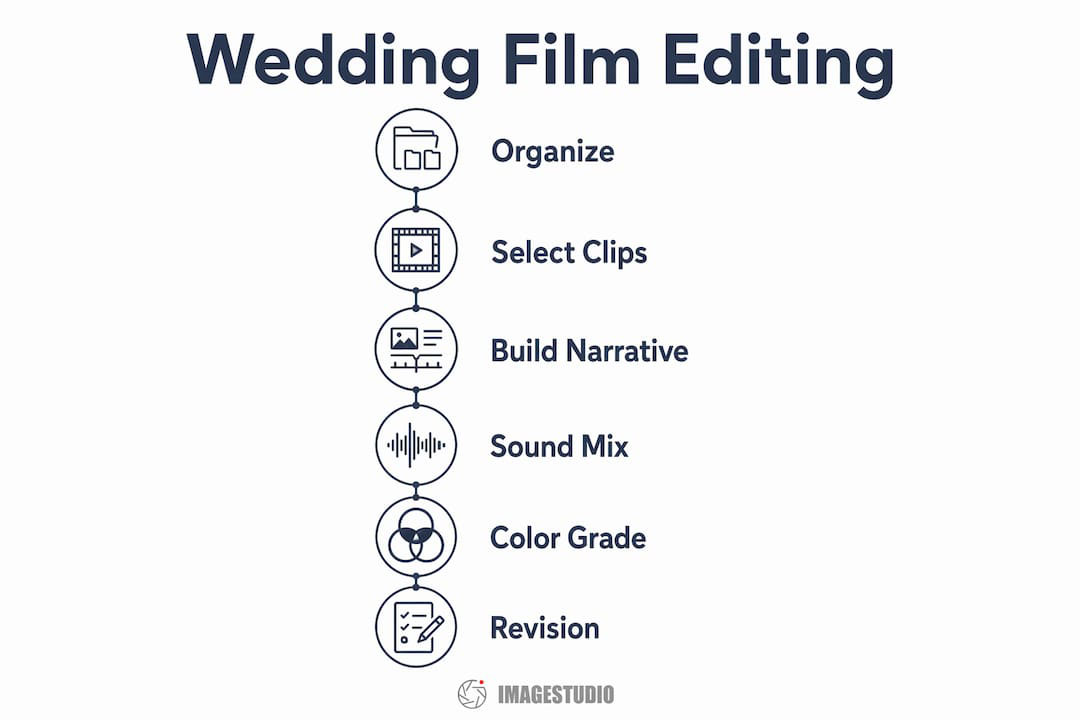
A simplified overview of the wedding film editing process, from organizing footage and selecting clips to color grading, sound mixing and final revisions.
The first is the narrative-first style, where real audio drives the structure. Vows, speeches, and personal exchanges form the emotional backbone, and visuals are cut to support what is being said or felt. The second is the editorial style, where music and rhythm lead the cut, and the film feels more like a music video with emotional peaks timed to the score. Most high-end productions blend both, using narrative audio for the ceremony and editorial pacing for the reception highlights.
Here is how the narrative build typically unfolds:
Rough cut assembly. Drop all selected clips into a chronological timeline to establish the basic story shape.
Audio-led structuring. Layer in vows, speeches, and ambient sound to identify the emotional high points.
Music selection. Choose tracks that match the film’s rhythm and tone. Music selection shapes pacing and emotional resonance more than any single visual choice.
Pacing refinement. Trim, reorder, and adjust clip lengths so the film breathes naturally, speeding up during joyful moments and slowing for intimate ones.
Couple input integration. Incorporate any specific moments the couple requested, such as a particular song, a family member’s speech, or a meaningful location shot.
The couple’s input matters more than many editors acknowledge. A brief conversation before editing begins about what moments feel most meaningful can redirect the entire narrative arc. Editors who skip this step often end up with technically polished films that feel emotionally generic.
Narrative-first films work best for couples who want their vows and speeches front and center
Editorial-style films suit couples who prioritize visual energy and cinematic feel
Hybrid approaches give the most flexibility and tend to age the best
How is sound integrated and improved during wedding film editing?
Audio is the emotional engine of a wedding film. Sound functions as a storytelling tool, not just background texture, and professional editors treat it with the same attention they give to visuals.
The first challenge is syncing multiple audio sources. A typical wedding generates audio from a lapel mic on the officiant, a second lapel on the groom, a handheld recorder near the altar, and ambient room audio from the camera. Each source has different levels, tone, and timing. Editors sync these in software like Adobe Premiere Pro or DaVinci Resolve, then blend them to create a clean, natural-sounding track.
Common audio problems editors fix during this phase include:
Rustling fabric against lapel mics during the ceremony
Echo and reverb in large venues like churches or ballrooms
Volume inconsistencies between speakers during toasts
Wind noise in outdoor ceremony footage
Gaps in dialogue where a mic was accidentally muted
Music layering is the final step in audio integration. The chosen tracks are brought in at a level that supports the emotional tone without drowning out real voices. Transitions between music cues are crossfaded so the film never feels jarring. Audio consistency across scenes is one of the most common revision triggers, which is why experienced editors address it thoroughly before sending a first cut.
Pro Tip:Always export a version of your timeline with audio stems separated: dialogue, music, and ambient sound on individual tracks. This makes revision requests involving audio changes far faster to execute without rebuilding the entire mix.
What role does color grading play in the wedding film editing process?
Color grading is what gives a wedding film its signature look and feel. Without it, footage from different cameras, lighting conditions, and times of day looks inconsistent and flat. With it, every scene feels like it belongs to the same visual world.
The process starts with color correction, which fixes technical problems: overexposed highlights from bright outdoor ceremonies, underexposed shadows in dimly lit reception halls, and white balance shifts between tungsten indoor lighting and natural daylight. Tools like DaVinci Resolve are the industry standard for this work, offering node-based grading that gives editors precise control over every element of the image.
Color grading then adds the creative layer on top of the correction. Editors apply LUTs (Look-Up Tables) or custom presets to create a consistent atmospheric tone across the film. A warm, golden grade suits a rustic outdoor wedding. A cooler, desaturated look fits a modern urban venue. Sharing exact LUT files with your editing team prevents style drift and keeps the visual tone consistent from the first scene to the last.
Here is a quick comparison of the two core stages:
Stage
Purpose
Tools commonly used
Color correction
Fix exposure, white balance, and contrast
DaVinci Resolve, Adobe Premiere Pro
Color grading
Apply creative look, mood, and style
DaVinci Resolve, LUTs, custom presets
Final finishing touches complete the film: lower-third titles for names and locations, subtle motion graphics for transitions, and export settings optimized for delivery platforms. Most professional wedding films are exported in H.264 or H.265 at 4K resolution for Vimeo or direct download, with a compressed version for social media sharing.
How do videographers and couples collaborate during revisions?
Revisions are where the film gets refined from good to genuinely great. The standard professional workflow includes 1 to 2 revision rounds completed within 3 to 4 weeks of the first cut delivery. Studios with dedicated editing teams typically deliver the finished film within 8 to 12 weeks. Solo videographers managing their own post-production may take 4 to 7 months due to workload volume.
The most effective revision tools are platforms like Frame io and Vimeo Review, which allow clients to leave timestamped comments directly on the video. Instead of writing “around the 3-minute mark, can you change the music?” a couple can click exactly on the frame they mean and leave a note. This precision cuts revision time significantly and reduces miscommunication.
Here is a practical revision workflow:
First cut delivery. Send the full film with a short note explaining the creative choices made.
Client review period. Give couples 5 to 7 days to watch the film multiple times before submitting notes.
Consolidated feedback. Ask for all notes in one document or via the review platform rather than in multiple emails.
Revision execution. Address all approved changes and flag any requests that fall outside the agreed scope.
Final approval. Deliver the finished film in all agreed formats, including web-optimized and archival versions.
Keeping the same dedicated editor throughout the project is one of the most underrated factors in revision quality. Rotating editors disrupts style continuity and forces new team members to relearn the couple’s preferences from scratch. Clear style guides with reference films, preferred LUTs, and music samples prevent the gradual style drift that can creep into longer projects. Updating those references every 3 to 6 months keeps a videographer’s portfolio looking intentional and current.
Key takeaways
The wedding film editing process succeeds when organization, narrative craft, audio treatment, color grading, and clear client collaboration work together from the first footage review to the final export.
Point
Details
Organization comes first
Structured folders and timestamped notes prevent media loss and speed up every stage that follows.
Narrative drives emotion
Audio-led or editorial-style structure shapes whether a film feels personal or cinematic.
Audio is non-negotiable
Syncing and cleaning multiple audio sources determines the professional quality of the final film.
Color grading unifies the look
LUTs and correction tools create visual consistency across different lighting conditions and cameras.
Revisions need clear systems
Timestamped feedback platforms and a single dedicated editor reduce revision cycles and protect style consistency.
Why Editing Defines the Final Wedding Film
Here is something I have learned after years of working on cinematic productions: the wedding day is the raw material, but the edit is the actual film. Couples sometimes focus all their energy on the shoot and treat editing as an afterthought. That is a mistake. Editing defines the emotional story more than any single moment captured on camera.
The most common pitfall I see is vague briefing. Couples say they want something “emotional and cinematic” without providing reference films or specific music preferences. Editors are creative, but they are not mind readers. A five-minute conversation about three reference films you love will do more for your final result than hours of revision notes after the fact.
I also want to push back on the idea that faster turnaround always means better service. The complexity of revisions often comes from rebalancing audio and maintaining color coherence across scenes, not just trimming clips. Rushing that process produces films that look polished on first watch but feel inconsistent on the second. Give your editor the time the work actually requires.
Technology has genuinely changed what is possible. DaVinci Resolve’s AI-powered color matching, Frame io’s collaborative review tools, and advances in audio restoration software have raised the floor for what a professional wedding film can look and sound like. But none of that replaces a clear creative brief and a trusting relationship between the couple and the editor.
— Image Studio
Cinematic Wedding Film Editing for Destination Weddings in Italy
Imagestudio has spent over 14 years crafting cinematic wedding productions that go well beyond standard highlight reels. With 250+ projects and more than 150 million views across their portfolio, the team brings the same level of care to a wedding film as they do to their award-winning commercial and documentary work.
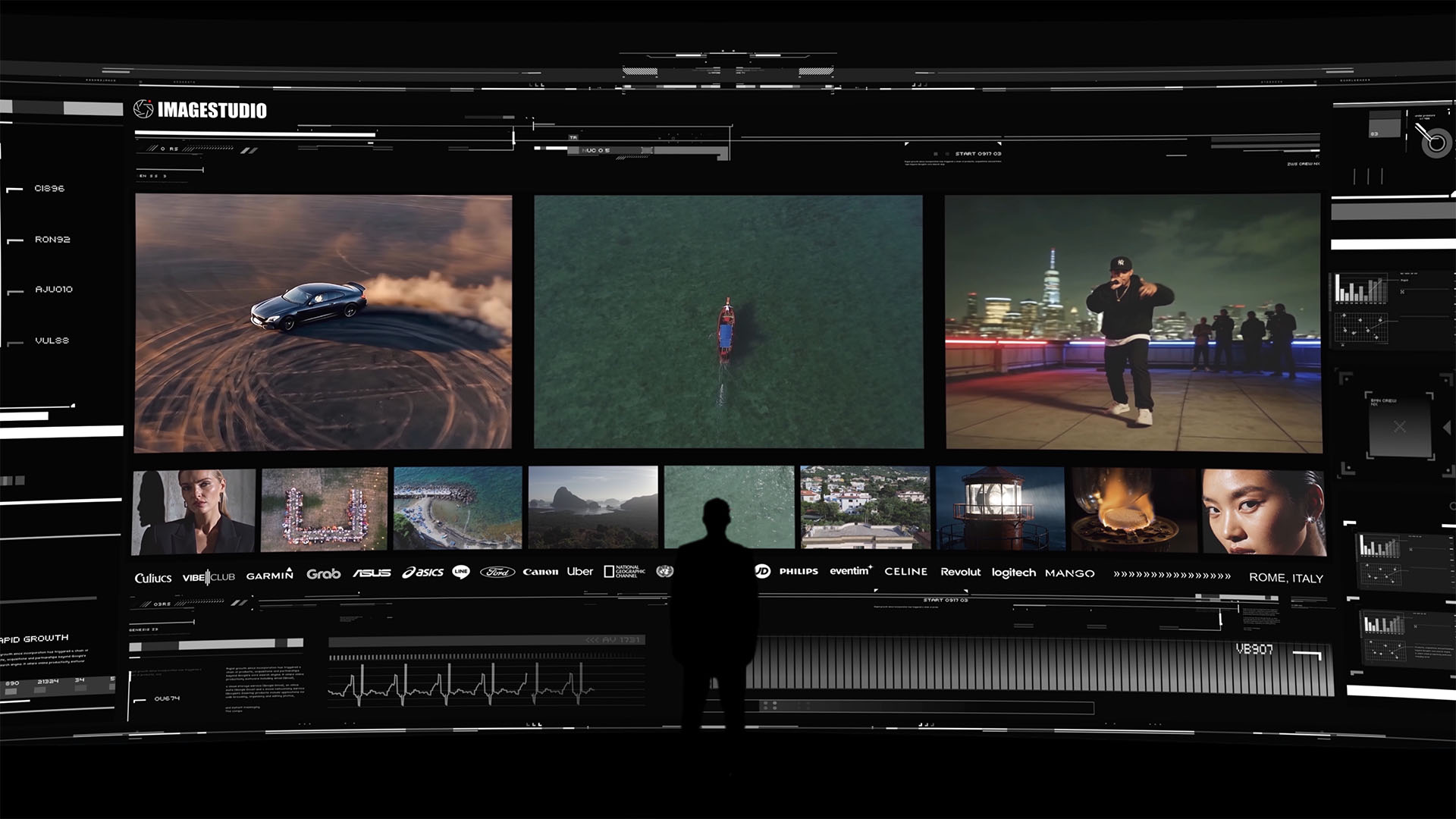
A high-end cinematic portfolio experience by Image Studio featuring automotive visuals, aerial cinematography, urban storytelling, and premium brand collaborations.
Every Imagestudio wedding project starts with a detailed creative brief, covers every stage of the editing process from footage organization to final color grade, and includes structured revision rounds with dedicated editor continuity. Whether you are a couple looking for a film that genuinely captures your day or a videographer seeking a production partner with proven cinematic workflows, Imagestudio delivers the kind of result that holds up years later. Reach out through the wedding production page to start the conversation.
FAQ
How long does the wedding film editing process take?
Wedding film editing typically requires 30 to 60 hours of work per project. Full delivery from a studio team usually takes 8 to 12 weeks, while solo videographers may take 4 to 7 months depending on their workload.
What software is used for editing wedding videos?
DaVinci Resolve is the industry standard for color grading and finishing, while Adobe Premiere Pro is widely used for timeline assembly and audio editing. Frame io and Vimeo Review are the leading platforms for client collaboration and revision feedback.
How many revision rounds are standard for a wedding film?
Most professional packages include 1 to 2 revision rounds, completed within 3 to 4 weeks of the first cut delivery. Using a timestamped review platform like Frame io keeps feedback precise and reduces the total number of rounds needed.
Can couples receive the raw footage from their wedding?
RAW footage is ungraded, often lacks synced audio, and is not the finished product. Most videographers offer it as an optional add-on after editing is complete, typically for an additional fee.
What is the difference between color correction and color grading?
Color correction fixes technical problems like exposure and white balance inconsistencies. Color grading adds the creative visual tone, using LUTs and custom presets to give the film a consistent, atmospheric look across all scenes.