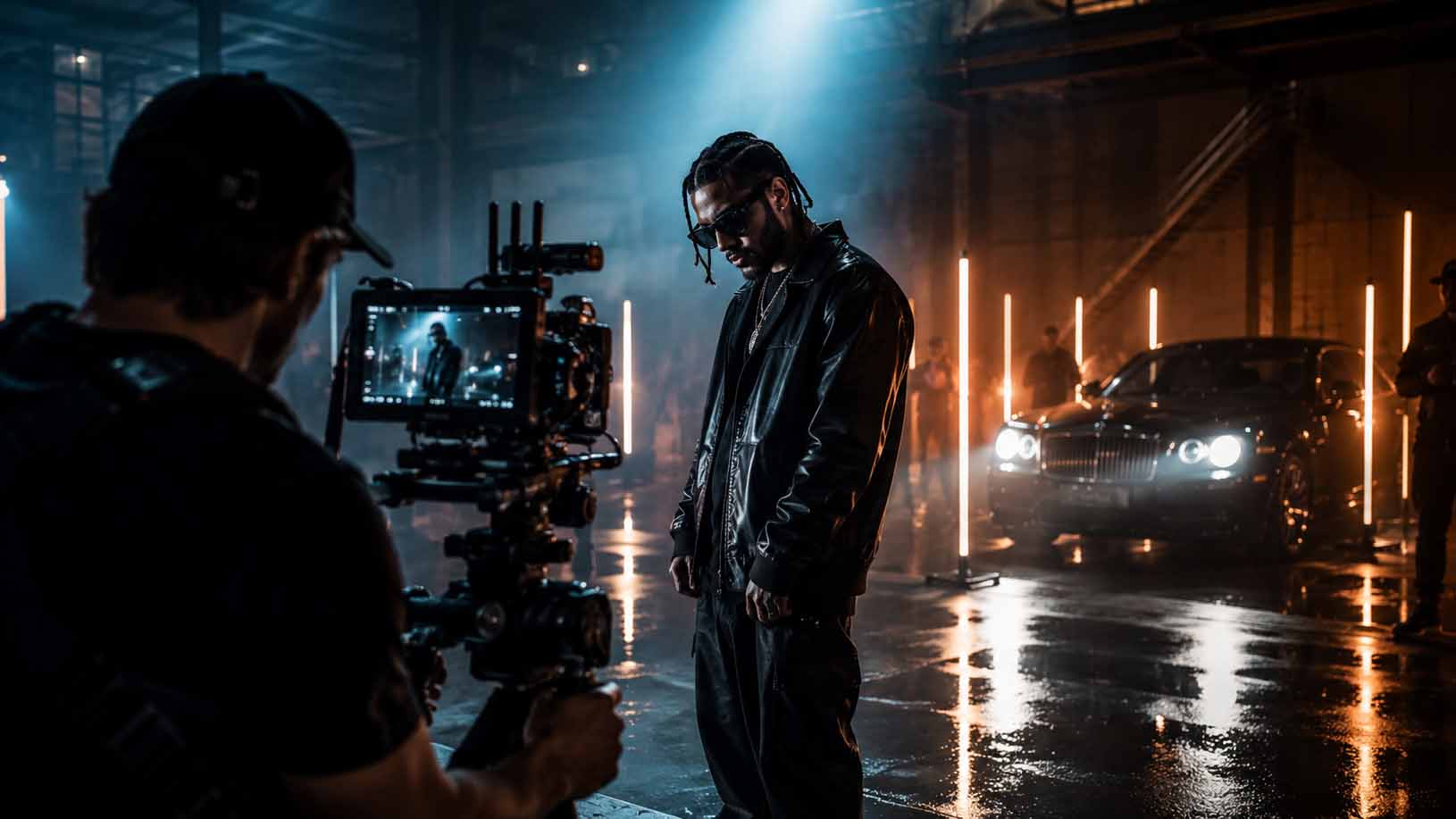
Discover how post-production transforms raw music video footage into a polished final release through editing, color grading, audio synchronization, visual effects, motion graphics, and sound design that enhance storytelling and visual impact.
Post-production is where a music video actually comes to life. Raw footage, no matter how beautifully shot, is just material. It’s the editing suite, the color suite, and the audio mix room where that material becomes something people want to watch twice. Post-production adds video editing, color grading, audio synchronization, visual effects, motion graphics, and sound design, all working together to shape the emotional experience a viewer takes away.
Here’s what the process actually delivers:
Video editing: Assembling and refining footage to match the music’s rhythm and emotional arc
Color correction and grading: Fixing technical exposure issues, then building a deliberate visual mood
Audio synchronization: Locking visuals to the track, including precise lip-sync alignment
Sound design and mixing: Layering sound effects and ambient audio to deepen immersion
VFX and compositing: Adding CGI elements, green screen replacements, and digital environments
Motion graphics and animation: Titles, transitions, and animated sequences that reinforce the artist’s identity
The creative and technical nature of post-production is what separates a polished release from a rough cut. Editors, colorists, VFX artists, and sound engineers each bring a specialized layer to the project, and their collaboration is what gives a music video its cohesive visual identity. Software platforms like Adobe Premiere Pro, DaVinci Resolve, and After Effects are the standard workhorses across these disciplines.
What does post-production add to music videos, step by step?
The post-production workflow for a music video follows a clear sequence, even when individual projects vary in complexity. Understanding each stage shows exactly how raw footage transforms into a finished release.
Reviewing and logging footage. Before any editing begins, the team reviews every take and logs the usable clips. This stage is less glamorous than it sounds, but it’s where editors identify the strongest performances, the cleanest camera moves, and the moments that will carry the emotional weight of the final cut.
Rough cut assembly. The editor builds a first assembly by placing selected clips against the audio track. At this stage, the goal is narrative and rhythmic logic, not polish. Editors balance cutting to the emotional flow of the music with capturing authentic, natural moments of energy, which is what makes a video feel memorable rather than mechanical.
Fine cutting and pacing. Once the rough cut is approved, the editor refines timing, tightens transitions, and adjusts pacing to match the music’s dynamics. A verse might call for slower, more contemplative cuts, while a chorus demands faster edits and more visual energy. This is where the video starts to feel intentional.
VFX and motion graphics integration. Visual effects shots and animated sequences get dropped into the timeline at this stage, following best practices outlined in the Visual Effects in Video: A Beginner’s Complete Guide – Kudoflix Video Editing. Editors work alongside VFX artists to ensure composited elements sit naturally within the edit. Pre-visualization and animatics created during production help minimize extensive revisions here, keeping the timeline on track.
Visual continuity and compositing. Color inconsistencies between shots, unwanted objects in frame, and green screen replacements all get addressed during compositing. This stage also covers any digital set extensions or environmental effects that weren’t achievable on set.
Collaborative feedback and versioning. Directors, artists, and label representatives review cuts and provide notes. Editors manage multiple versions of the project, keeping alternate cuts and archived edits for different formats, from a full-length release to a short-form social media version. Real-time rendering technologies are also blurring the line between production and post, allowing directors to experiment creatively during filming and reduce the volume of corrections needed afterward.
Pro Tip:Use a shared project management tool like Frame.io or a simple shared folder structure to track every version with clear naming conventions. “V1_roughcut,” “V2_directorNotes,” and “V3_final” save hours of confusion when multiple stakeholders are involved.
Synchronizing video to a pre-recorded audio track is one of the more technically demanding parts of the workflow. Unlike narrative film, where audio is recorded on set, music videos are cut to a finished track, so every visual beat needs to land exactly where the music demands it.
How color grading shapes the look and feel of a music video
Color correction and color grading are two distinct processes that often get lumped together, but they serve different purposes. Color correction is the technical fix: balancing exposure, neutralizing unwanted color casts, and making sure skin tones look consistent from shot to shot. Color grading is the creative step that follows, where the colorist builds a deliberate visual mood to complement the music.
The difference shows up clearly in the final product. A corrected image looks natural and clean. A graded image looks like it belongs to a specific world. A moody R&B video might get deep shadows, desaturated midtones, and warm highlights. A high-energy pop video might push vibrant, saturated colors with lifted blacks. A cinematic narrative video might use a film-emulation LUT to add grain and a slightly faded look. Color grading pushes the visual mood to complement the music, often prioritizing key lighting sources and maintaining consistent skin tones throughout.
Advanced coordination between colorists and VFX teams is what keeps CGI and composited elements from looking out of place. When a VFX artist builds a digital environment or adds a particle effect, they need to know the color grade those elements will sit inside. Professional workflows establish an early color look so the VFX team can build assets that integrate naturally within the graded scenes.
Pro Tip:Lock a color look, even a rough one, before VFX work begins. Grading a shot after compositing is done is far harder than building CG assets to match an established grade.
DaVinci Resolve is the industry standard for color grading in music video post-production, with its node-based color pipeline giving colorists granular control over every element in the frame. Adobe Premiere Pro and Final Cut Pro also offer capable grading tools for lighter workflows. The choice of software often depends on the complexity of the project and the colorist’s background.
Color grading also reinforces an artist’s visual identity across their body of work. Consistent grading choices across multiple videos create a recognizable aesthetic that audiences associate with a specific artist, which is a subtle but real part of how visual storytelling builds a brand.
Audio post-production: how sound design and mixing complete the picture
Audio post-production covers everything that happens to the sound after the shoot wraps. For music videos, that means cleaning the recorded track, synchronizing it precisely to the visuals, adding sound effects, and mixing everything into a final audio master that supports the emotional experience of the video.
Audio editing starts with the music track itself. Even a finished, mastered song may need slight adjustments for the video version, particularly if the edit calls for a shortened intro or a different ending. Beyond the music, editors add ambient sound, environmental effects, and foley elements that make the visual world feel real. A performance shot in a warehouse gains texture when you hear the faint echo of the space. A car chase sequence lands harder when tire sounds and engine noise are layered under the music.
Synchronizing audio and video precisely, including lip-sync corrections and balancing sound effects, is critical for an immersive result. Off-sync lip movement is one of the most immediately noticeable errors in any music video, and it pulls viewers out of the experience instantly. Sound engineers use waveform alignment tools in software like Pro Tools, Adobe Audition, and Logic Pro to lock every visual beat to its corresponding audio moment.
Pro Tip:Keep sound effects subtle and purposeful. Effects that compete with the music distract the viewer rather than drawing them deeper into the video. The best sound design in a music video is the kind you feel rather than consciously notice.
Sound mixing in music video post ensures optimal balance, combining the music track with effects and ambient audio to amplify the overall impact without muddying the mix. The goal is a final audio output that sounds great on headphones, laptop speakers, and a theater system alike. That range of playback environments is why professional sound engineers test mixes across multiple systems before signing off on a final version. For a deeper look at getting audio sync right, the technical details matter more than most creators realize.
How long does music video post-production actually take?
Post-production timelines vary widely, and the range can surprise creators who are new to the process. A straightforward performance video with minimal effects might wrap post in one to two weeks. A concept-heavy video with extensive VFX, animation, and multiple rounds of revisions can run six to twelve weeks or longer.
The factors that stretch a timeline most reliably are:
VFX volume: Each composited shot adds review and revision cycles. A video with twenty VFX shots takes significantly longer than one with two.
Late creative changes: Artist or label notes that arrive after a cut is locked can restart entire stages of the workflow.
Approval bottlenecks: When too many stakeholders need to sign off at each stage, the review cycle slows everything down.
Color and audio complexity: A video requiring a full color grade with custom LUT development and a detailed sound design pass takes longer than one with basic corrections.
Format deliverables: Cutting separate versions for streaming platforms, social media, and broadcast adds time at the end of the process.
Typical post-production timelines depend on video complexity and the volume of VFX, with late inclusions extending schedules significantly. The most effective way to protect a timeline is to plan post-production before the shoot, not after. Knowing which shots will require VFX work, establishing a color direction early, and agreeing on a revision process with all stakeholders before editing begins all reduce the chance of costly delays.
Incremental reviews at each stage, rather than one large review at the end, also speed up approvals. When a director and artist see the rough cut early and align on direction, the fine cut and color grade move much faster. Most professional music video projects budget for two to three revision cycles per stage.
How post-production shapes what audiences feel and remember
Post-production doesn’t just polish a music video. It actively shapes how viewers experience the music itself. The editing rhythm, the color palette, the sound design, and the visual effects all work on the viewer’s perception in ways that feel intuitive but are deeply intentional.
Viewers intuitively interpret visual manipulations as mood-building tools aligned with color concepts. A warm, golden grade makes a performance feel nostalgic and intimate. Cool, desaturated tones create distance and melancholy. Fast cuts with hard transitions amplify energy and urgency. Slow dissolves and long takes invite reflection. These aren’t accidental effects; they’re deliberate choices made in the edit suite to align the visual experience with the emotional content of the music.
The editing rhythm is particularly powerful. Cuts that land on musical beats create a satisfying sense of synchronization that audiences feel physically. When the edit fights the music, the video feels restless and unresolved. When they work together, the viewer stops noticing the editing at all and just experiences the song.
Subtle VFX work reinforces themes without pulling attention away from the performance. The best visual effects in music videos are the ones that feel like they belong to the world of the song rather than announcing themselves as technical achievements. A slight lens flare, a color shift that mirrors a lyrical shift, or a seamless transition between locations all serve the story without distracting from it.
Pro Tip:Keep the feedback circle small during post-production. Including too many stakeholders in editing decisions dilutes the director’s original vision. A tight group of two or three key decision-makers produces a more coherent final product than a committee of ten.
The collaboration between directors, editors, colorists, and sound engineers is what holds all of these elements together. Each specialist brings a perspective that the others don’t have, and the best music videos come from teams where those perspectives are genuinely integrated rather than siloed. For creators looking to understand the full production workflow, post-production is where that collaboration pays off most visibly.
Key Takeaways
Post-production transforms raw music video footage into a polished, emotionally resonant final product through editing, color grading, audio synchronization, VFX, and sound design working in concert.
Point
Details
Editing shapes emotional impact
Cuts aligned with musical rhythm and energy make a video feel authentic and memorable.
Color grading builds visual identity
Grading choices define mood and create a consistent aesthetic across an artist’s body of work.
Audio sync is non-negotiable
Precise lip-sync alignment and sound design are critical for viewer immersion.
Timeline depends on complexity
VFX volume and late creative changes are the biggest drivers of extended post-production schedules.
Small feedback circles protect vision
Limiting stakeholder input during editing preserves the director’s creative intent.
Ready to see what post-production can do for your music video?
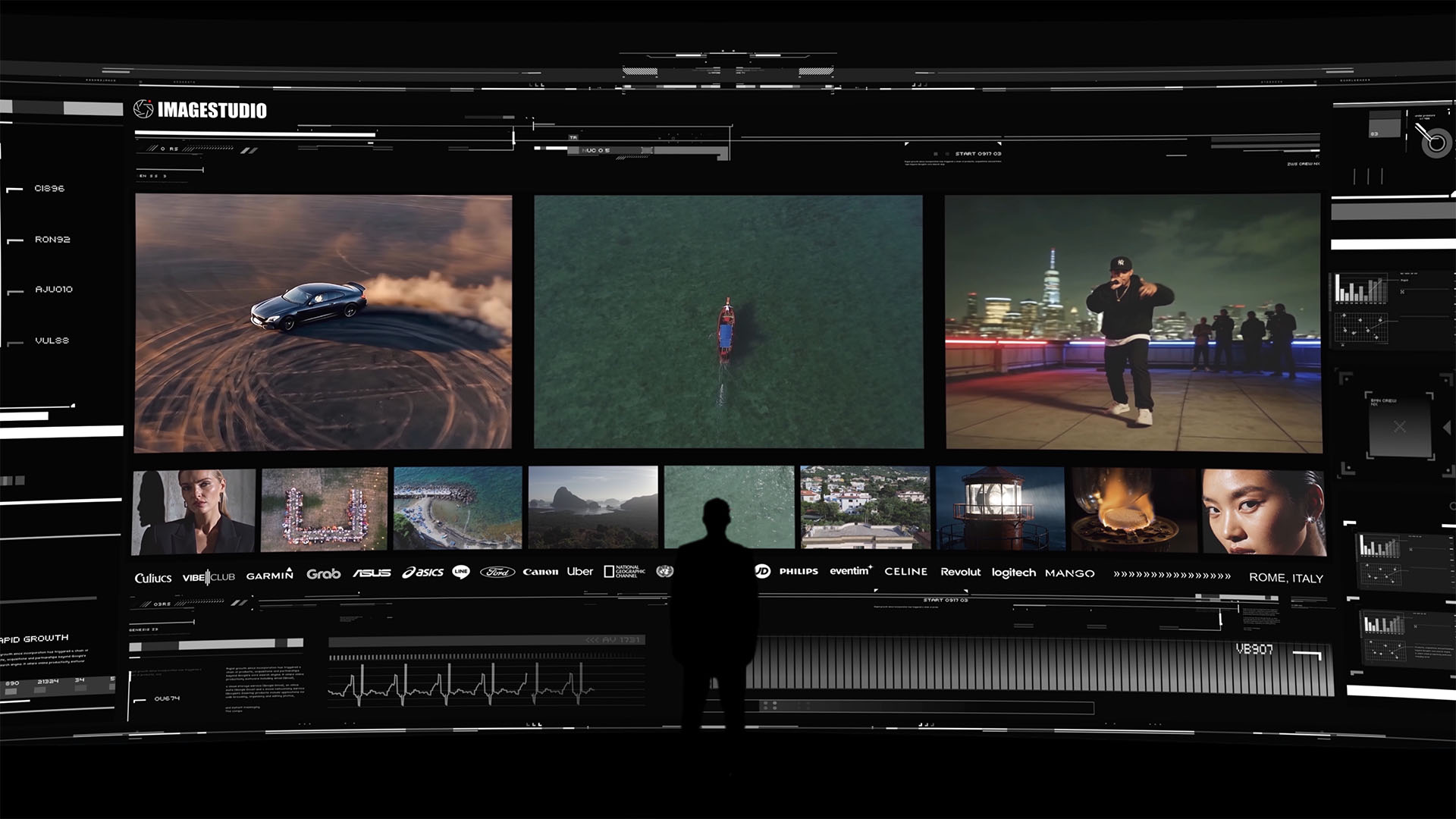
A high-end cinematic portfolio experience by Image Studio featuring automotive visuals, aerial cinematography, urban storytelling, and premium brand collaborations.
Imagestudio brings extensive experience and numerous projects to every music video production, with a track record that includes collaborations with National Geographic and recognition from prestigious film festivals. The team’s work has accumulated a substantial number of views, and that reach comes directly from the kind of post-production craft this article describes: intentional editing, cinematic color grading, and audio work that makes every frame count.
If you’re ready to take your music video from raw footage to a release-ready final cut, explore Imagestudio’s music video production services or learn more about the full scope of cinematic production the studio offers.